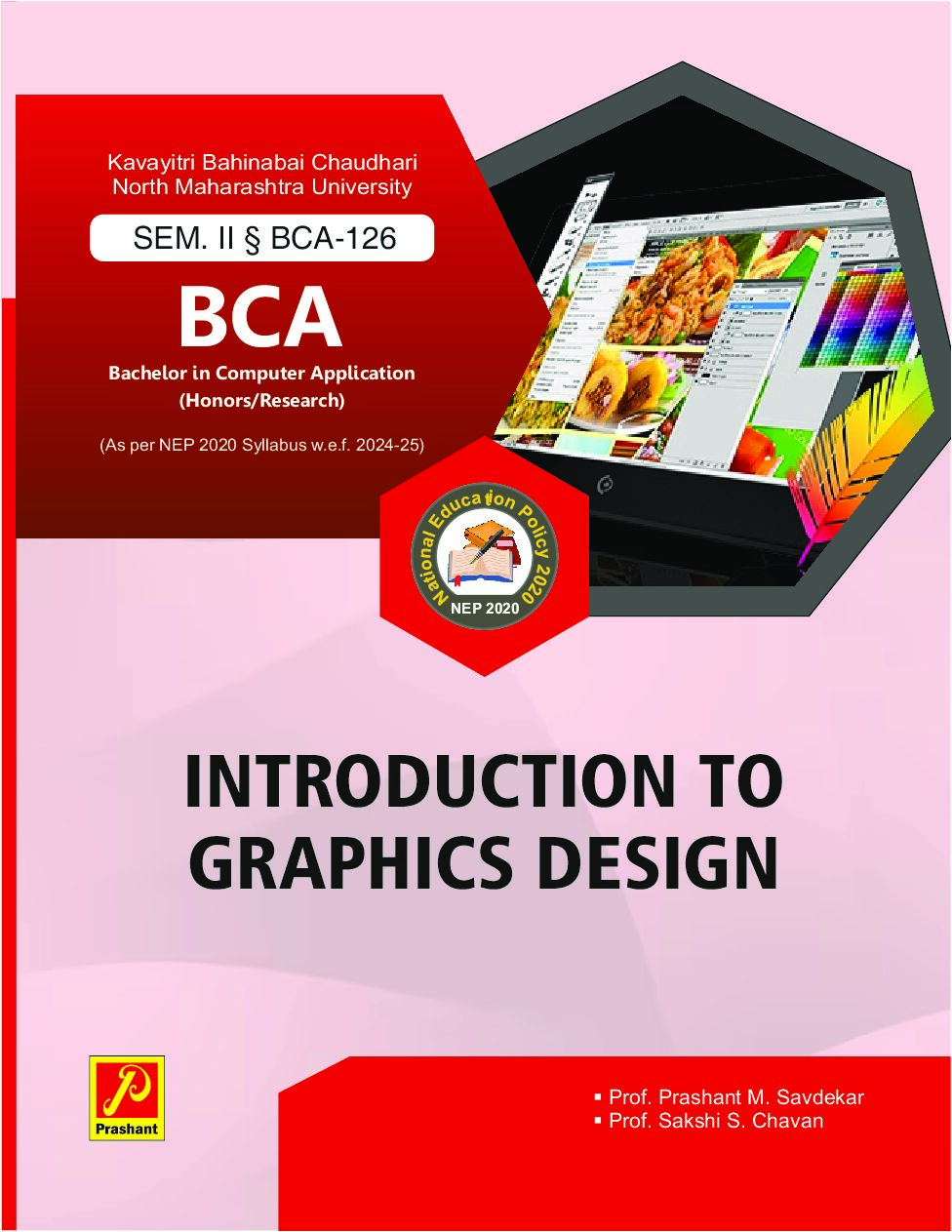
- DESCRIPTION
- INDEX
UNIT – 1……………………………………………………………………………………………..7
Introduction to Graphics Design
1.1 Introduction to Graphics Design
1.2 Types of Graphics
1.3 Uses of Graphics
1.4 Application of Graphics Design
1.5 Different Image Formats
UNIT – 2……………………………………………………………………………………………15
Introduction to Animation
2.1 What is Animation?
2.2 Principle of Animation
2.3 Types of Animation & Animation Tech.
2.4 Introduction Chroma Shoot
2.5 Use of Animation in Advertisements
2.6 Concept of 2D, 3D Animation
UNIT – 3……………………………………………………………………………………………26
Working with Photoshop CS3
3.1 Photoshop Workspace
3.2 Features of Photoshop
3.3 Use of Photoshop in different sectors
3.4 Save As in different format
3.5 Basic Tools –Select tools, Zoom tool, Hand tool, Shape tools, Brush tool, Fill tool, Paint bucket tool.
3.6 Advanced tools -Marquee tool, Lasso tool, Magic Wand tool, Inverting Selection, Blur tool, Smudge tool, Sharpen tool, Dodge tool, Sponge tool, Clone stamp tool.3.7 Transformation &Retouching : Free transform, Scaling, Rotation, Skew,
Perspective, Wrap, Distort, Crop, Image size, Canvas size.
3.8 Adjustments : Levels, Curves, color balance, Exposure, Vibrancy, Photo Filter.
3.9 Working with Text : The text tool, editing text, formatting, line & spacing, wrap text, text effects
UNIT – 4……………………………………………………………………………………………40
Working with CorelDraw
4.1 Introduction: An overview, interface, menus and tools, working with new document, page setup.
4.2 Drawing: Lines, Shapes, objects, tables, templates.
4.3 Import/Export: Importing files, Using Corel Connect, Exporting files.
4.4 Manipulation: Viewing options, pick tool, selection, moving, sizing, mirroring, rotating, skewing, undo, redo, staking order.
4.5 Text properties.
Author

Related products
Practical Botany
Rs.35.00Practical Botany
Rs.65.00Corporate Regulatory Framework
Rs.85.00